Image Workbench

A free Chrome extension for viewing image metadata, detecting AI-generated images, extracting color palettes, and editing photos - all from your browser's side panel.
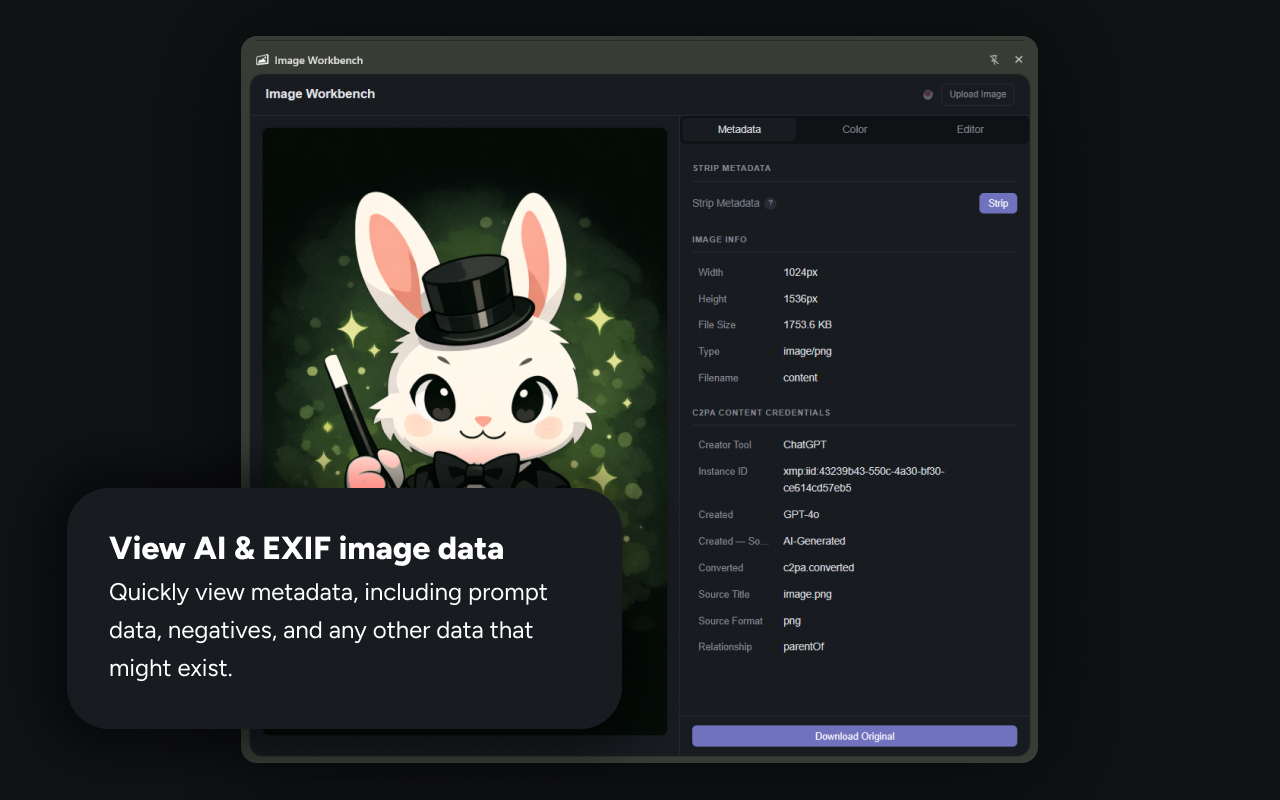
View EXIF data, AI generation metadata, and C2PA Content Credentials for any image - right from your browser.
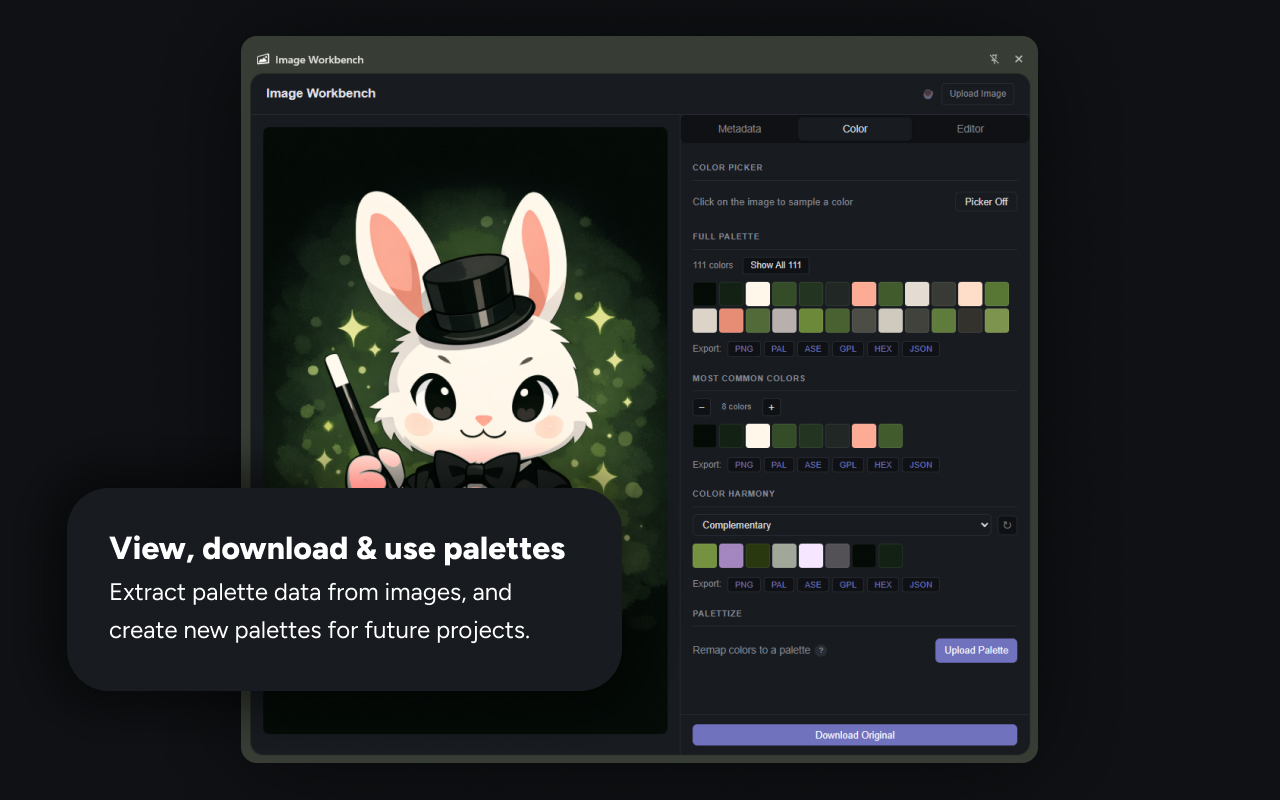
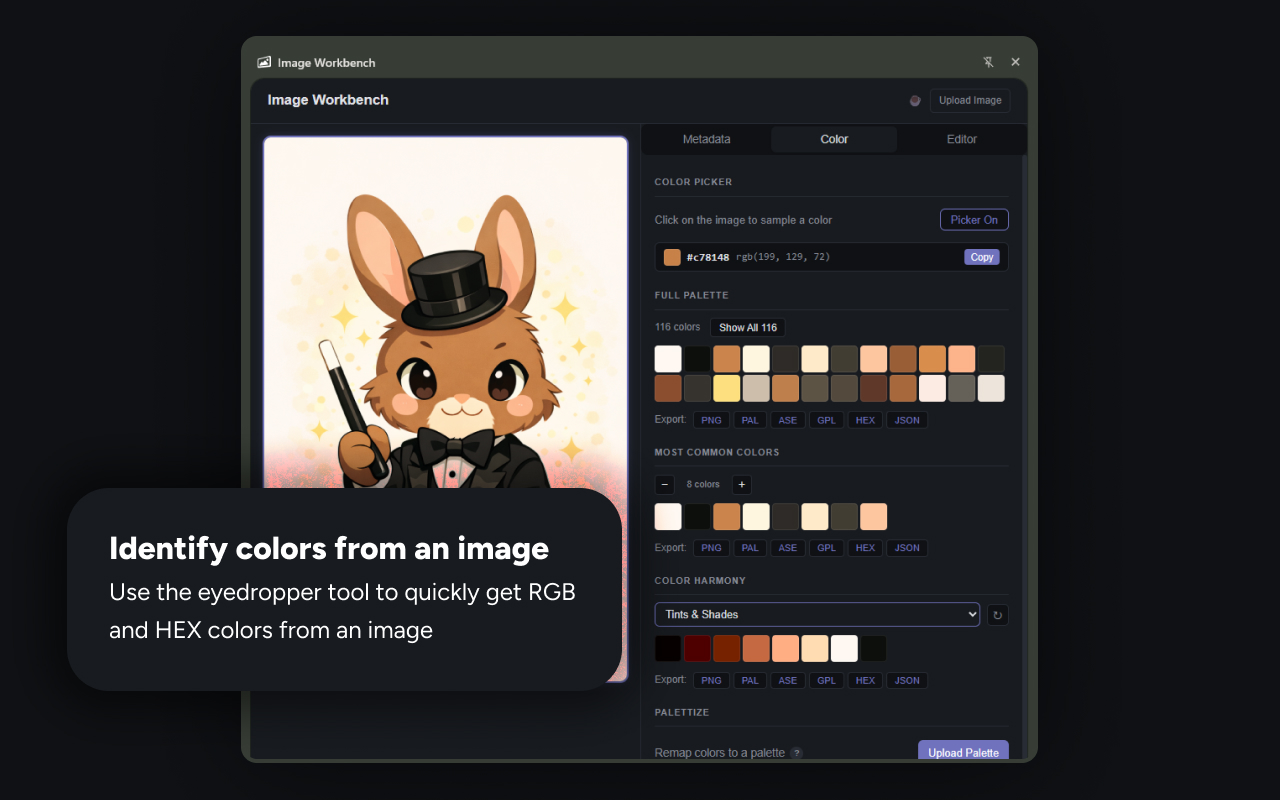
Use the eyedropper to sample any color, then copy its HEX or RGB value instantly.
Extract full color palettes from images and export them as PNG, PAL, ASE, GPL, HEX, or JSON.
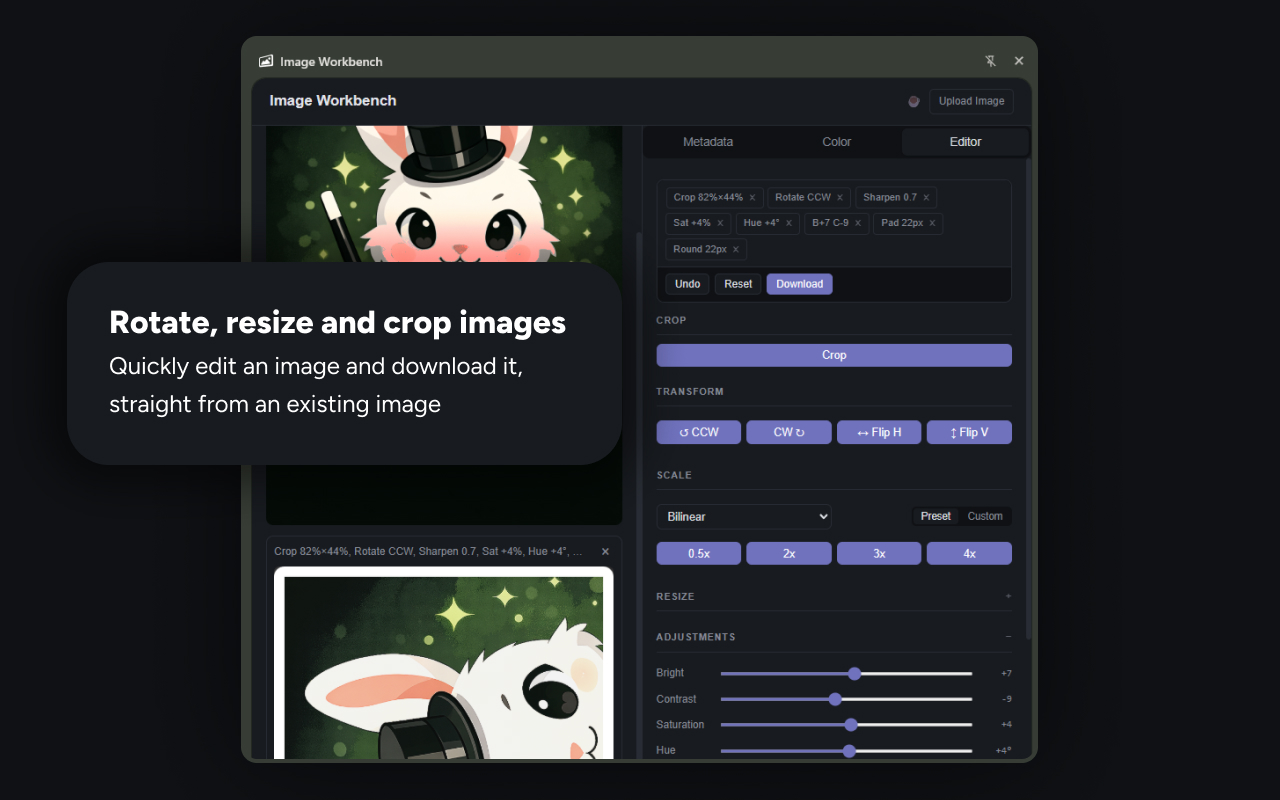
Crop, rotate, flip, scale, and sharpen images with a non-destructive editor - undo any step.
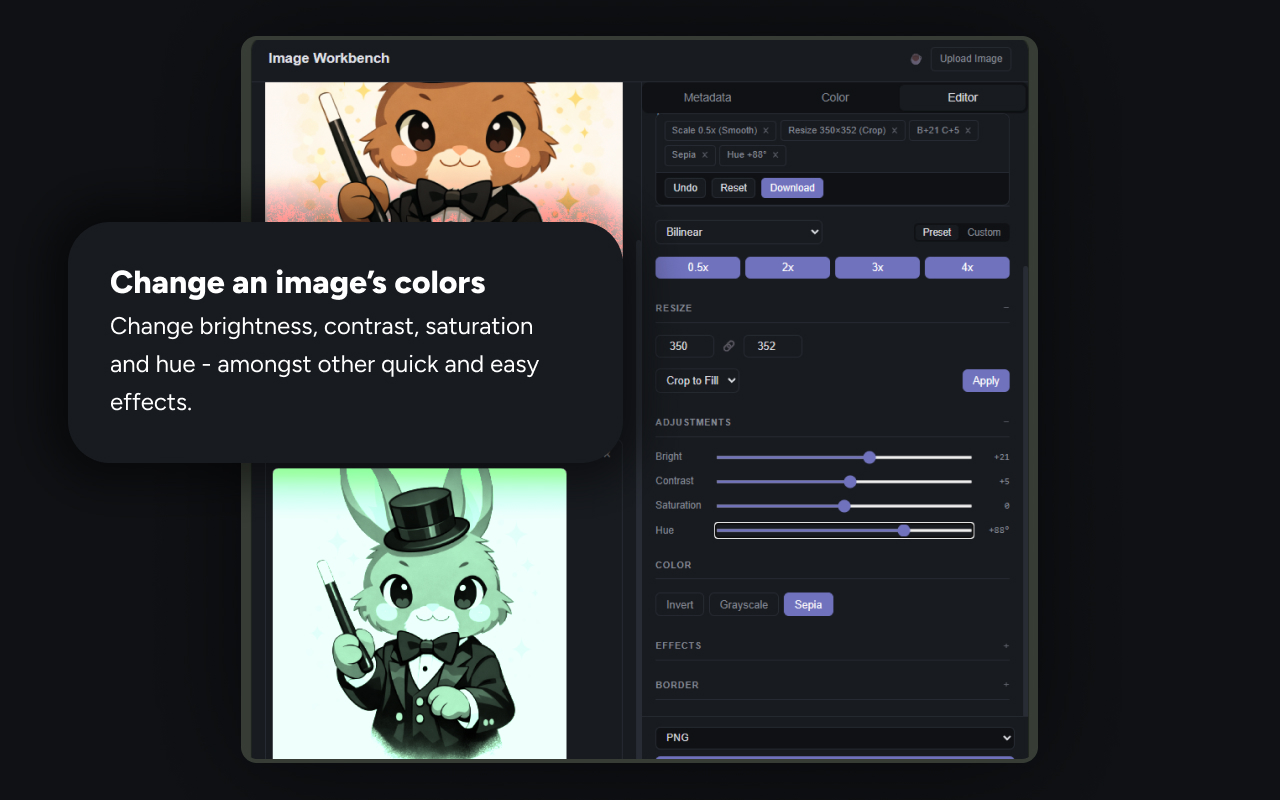
Adjust brightness, contrast, saturation, and hue. Apply sepia, grayscale, or invert with one click.

Frequently asked questions

Sometimes, yes. Many AI generators — including ChatGPT, DALL·E, Adobe Firefly, and Midjourney — embed metadata that identifies the image as AI-generated. This can include C2PA Content Credentials, which record the creator tool, model used, and a digital signature chain. Image Workbench reads this data automatically and displays it in a clear, readable format. However, not all AI tools embed metadata, and metadata can be stripped when images are shared on social media or messaging apps.